What is Zapier?
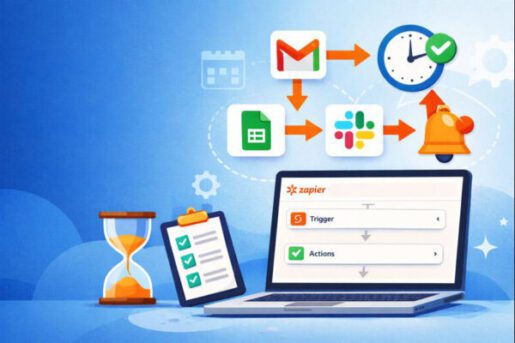
Zapier is one of the most widely used no-code automation platforms: it lets you connect thousands of web apps and automate repetitive tasks between tools, without writing code. Its automations are called “Zaps” and follow a simple logic: when something happens in one app, Zapier performs one or more actions in other apps.
Compared with more technical tools like n8n or more visual ones like Make, Zapier focuses on ease of use and on the breadth of its integration catalog. That is why it has become a go-to choice for small businesses and non-technical teams that want to automate without involving a developer.
Main Features
- Zaps with triggers and actions: an event in one app automatically starts one or more operations in other apps
- Very large integration catalog: thousands of connectable apps, from Gmail and Slack to the main CRMs
- Multi-step workflows: several steps in sequence within the same Zap, with filters and conditional paths
- AI features: steps that summarize, classify or rewrite text, and automations described in plain words
- Built-in tables and forms: to collect and store data without an external database
- Run history: a log of every Zap that ran, useful for spotting errors
How Does Zapier Work?
You start by choosing a trigger, the event that kicks off the automation: for example a new form submission on your website or a new email with an attachment. Then you add one or more actions, such as creating a contact in your CRM, saving the attachment to a shared folder and alerting the team on Slack. Each step is set up through guided menus.
Once switched on, the Zap runs in the background. Each completed action counts as one task, and the number of monthly tasks is what separates the plans.
Who is Zapier for?
- Small and medium businesses that want to stop copy-pasting between different tools
- Marketing and sales teams managing leads, campaigns and CRMs
- Freelancers and professionals automating invoices, reminders and communications
- Operations teams coordinating internal processes across departments
- Anyone who can't code but wants to connect their apps on their own
Use Cases
- Automatically adding contacts collected from forms and landing pages to the CRM
- Saving email attachments to a shared folder
- Alerting the team on Slack or by email when a new order comes in
- Syncing data between spreadsheets and invoicing apps
- Using an AI step to summarize or classify incoming messages
Pricing
Zapier offers a free plan with no time limit and 100 tasks per month. The Professional plan starts at $29.99/month billed monthly ($19.99/month billed annually), the Team plan starts at $103.50/month ($69/month billed annually), and Enterprise is priced on request. You can try the Pro plan free for 14 days with no credit card required.
Pros and Cons
Pros:
- Very easy to use, even without technical skills
- One of the largest integration catalogs in the industry
- Permanent free plan and a Pro trial with no credit card
Cons:
- With 100 tasks per month, the free plan only covers light use
- At high volumes it costs more than alternatives like Make or n8n
- Less suited to very complex logic than more technical tools
Final Verdict
Zapier remains the most straightforward choice for connecting your apps and automating repetitive tasks without writing code, especially for small businesses and non-technical teams. With very high volumes or complex workflows, it's worth comparing it with Make or n8n.